Claude Code in Practice (1): Context is Everything
One CLAUDE.md file can dramatically change your AI coding assistant's performance. Learn how to keep Claude on track in large-scale projects.
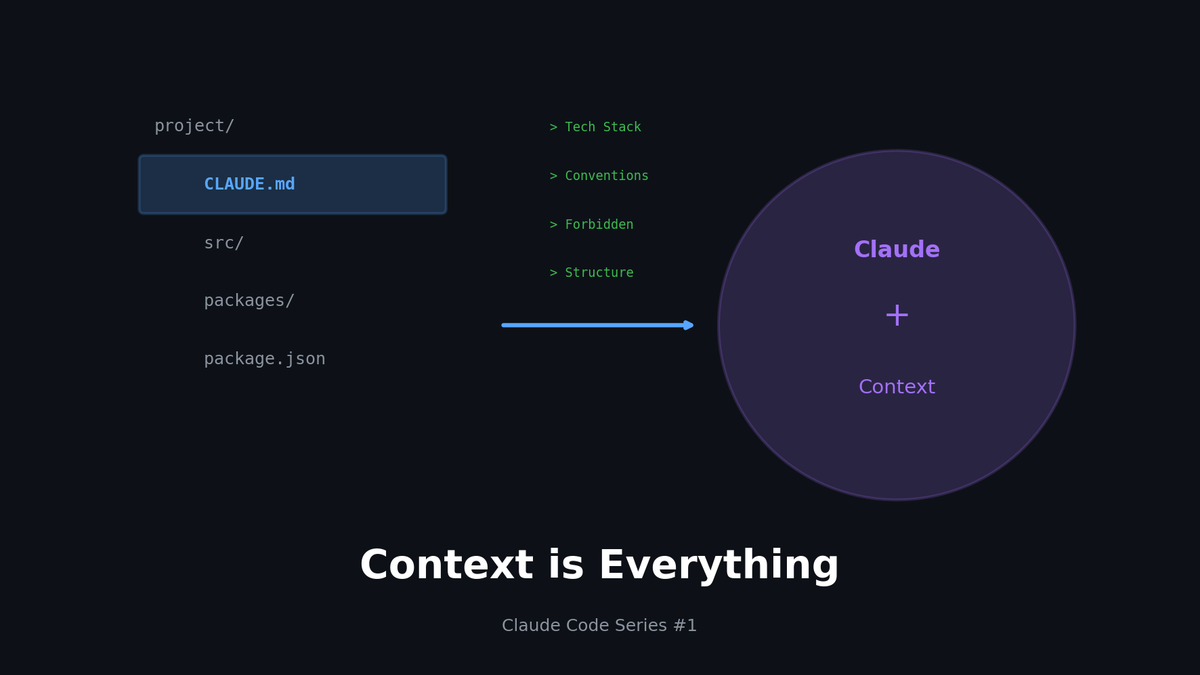
Claude Code in Practice (1): Context is Everything
One CLAUDE.md file can dramatically change your AI coding assistant's performance. Learn how to keep Claude on track in large-scale projects.
TL;DR
- Context = Performance: Claude Code needs to "understand" your codebase, not just "read" it
- CLAUDE.md: Acts as your project's brain — defines conventions, structure, and forbidden patterns
- Monorepo Strategy: Use per-directory
.claude/to separate context - What NOT to do: Sometimes telling Claude what to avoid is more important than what to do
1. Why Context Matters
Same Question, Different Results
"Add a login feature to this project"
Without Context:
// Doesn't know where to put it
// src/login.ts? pages/login.tsx? auth/index.js?
// Generates code that doesn't match existing style
// Rewrites utility functions that already exist
With Context:
// Creates in src/features/auth/ (follows existing structure)
// Applies project's error handling patterns
// Extends existing useAuth hook
// Uses team naming conventions
Claude can "search" your codebase, but that's not enough.
Team decisions, implicit rules, and architectural intent can't be inferred from code alone.
2. Writing CLAUDE.md
Location and Priority
project/
├── CLAUDE.md              # Root (entire project)
├── packages/
│   ├── frontend/
│   │   └── CLAUDE.md      # Frontend-specific
│   └── backend/
│       └── CLAUDE.md      # Backend-specific
└── .claude/
    └── settings.json      # Claude Code settings
Claude reads all CLAUDE.md files from the current working directory up to the root.
Essential Sections
1) Project Overview
# Project: E-commerce Platform

## Tech Stack
- Frontend: Next.js 14 (App Router), TypeScript, Tailwind
- Backend: Node.js, Prisma, PostgreSQL
- Infra: Vercel, AWS RDS

## Architecture
Monorepo structure. Frontend and backend are separated.
Shared types are managed in `packages/shared`.
2) Folder Structure
## Folder Structure

src/
├── app/           # Next.js App Router pages
├── components/
│   ├── ui/        # Reusable UI components (Button, Input, etc.)
│   └── features/  # Feature-specific components (ProductCard, CartItem)
├── hooks/         # Custom hooks
├── lib/           # Utilities, API client
├── stores/        # Zustand stores
└── types/         # TypeScript type definitions
3) Conventions (Critical!)
## Coding Conventions

### Naming
- Components: PascalCase (ProductCard.tsx)
- Hooks: camelCase with "use" prefix (useAuth.ts)
- Utilities: camelCase (formatPrice.ts)
- Constants: SCREAMING_SNAKE_CASE

### Component Guidelines
- Define Props as interface with ComponentNameProps pattern
- Use 'use client' only when truly necessary
- Use Tailwind only (no CSS file creation)

### Error Handling
- All API calls must use try-catch
- Use AppError class from lib/errors.ts
- User messages come from constants/messages.ts
4) What NOT to Do (Critical!)
## ⛔ Forbidden

### Never Do This
- No `any` type (use unknown instead)
- No console.log commits (use logger utility)
- No inline styles
- Never modify node_modules or .env files

### Caution
- DB schema changes require migration files
- Discuss new dependencies with team (PNPM only)
- Update OpenAPI spec when adding API endpoints
5) Common Commands
## Development Commandspnpm dev # Dev server (port 3000)
pnpm build # Production build
pnpm test # Jest tests
pnpm lint # ESLint check
pnpm db:migrate # Prisma migration
pnpm db:studio # Prisma Studio
3. Context Highlighting in Large Projects
Problem: Claude Gets Lost in Monorepos
monorepo/
├── apps/
│   ├── web/           # Next.js
│   ├── mobile/        # React Native
│   └── admin/         # Admin dashboard
├── packages/
│   ├── ui/            # Shared UI
│   ├── api-client/    # API client
│   └── shared/        # Shared types/utils
└── services/
    ├── auth/          # Auth service
    ├── payment/       # Payment service
    └── notification/  # Notification service
10+ packages, tens of thousands of lines of code...
Ask Claude to "add a feature to the web app" and it might reference the wrong places.
Solution 1: Per-Directory CLAUDE.md
# apps/web/CLAUDE.md

## What is this package?
Next.js 14 main web application.
B2C customer-facing e-commerce frontend.

## Dependencies
- @monorepo/ui: Shared UI components
- @monorepo/api-client: API calls
- @monorepo/shared: Type definitions

## When working in this package
- Modify UI components in packages/ui
- Add new API types to packages/shared
- Only create local components within this package
Solution 2: Specify Scope Explicitly
Be explicit about scope when asking Claude:
❌ "Add login feature"

✅ "Add a login page to apps/web.
   Use authApi from @monorepo/api-client,
   and use Button, Input components from @monorepo/ui."
Solution 3: Use @file Mentions
"Improve the useAuth hook.
 Reference: @src/hooks/useAuth.ts @src/lib/api/auth.ts"
Claude reads the mentioned files first to understand context.
4. Real Before/After
Before: Without Context
Request: "Create a product detail page"
// pages/product/[id].js (Uses Pages Router - but project uses App Router!)
import React from 'react';
import axios from 'axios';  // Project uses fetch!

export default function ProductPage({ product }) {
  return (
    <div style={{ padding: '20px' }}>  {/* Inline styles! */}
      <h1>{product.name}</h1>
      <p>${product.price}</p>  {/* formatPrice util exists! */}
    </div>
  );
}

export async function getServerSideProps({ params }) {  // SSR not SSG */
  const res = await axios.get(`/api/products/${params.id}`);
  return { props: { product: res.data } };
}
Issues:
- Wrong router (Pages vs App Router)
- Wrong styling (inline vs Tailwind)
- Ignores existing utilities (formatPrice)
- Wrong HTTP client (axios vs fetch)
After: With CLAUDE.md Context
// app/products/[id]/page.tsx
import { getProduct } from '@/lib/api/products';
import { formatPrice } from '@/lib/utils/format';
import { ProductImage } from '@/components/features/ProductImage';
import { AddToCartButton } from '@/components/features/AddToCartButton';

interface Props {
  params: { id: string };
}

export default async function ProductPage({ params }: Props) {
  const product = await getProduct(params.id);

  return (
    <div className="container mx-auto px-4 py-8">
      <div className="grid grid-cols-1 md:grid-cols-2 gap-8">
        <ProductImage src={product.imageUrl} alt={product.name} />
        <div className="space-y-4">
          <h1 className="text-3xl font-bold">{product.name}</h1>
          <p className="text-2xl text-primary">
            {formatPrice(product.price)}
          </p>
          <p className="text-gray-600">{product.description}</p>
          <AddToCartButton productId={product.id} />
        </div>
      </div>
    </div>
  );
}
Improvements:
- Follows App Router structure
- Reuses existing components
- Uses project utility functions
- Tailwind styling
- TypeScript Props interface
5. CLAUDE.md Template
Copy-paste ready template:
# [Project Name]

## Overview
[One-line project description]

## Tech Stack
- Language:
- Framework:
- Database:
- Infrastructure:

## Folder Structure
src/
├──
├──
└──
## Coding Conventions

### Naming
- Components:
- Functions:
- Constants:

### Styling
- [Specify styling approach]

### Error Handling
- [Specify error handling patterns]

## ⛔ Forbidden
-
-
-

## Common Commands
Dev server
Build
Test
Lint
## Reference Docs
- [Links]
Conclusion
Context isn't just configuration.
It's an onboarding document that makes Claude work like a team member.
Write CLAUDE.md as if you're explaining to a new developer.
Never assume "they'll obviously know this."
The more explicit, the better the results.
In the next part, we'll cover how to use Hooks to automatically validate Claude's work
and integrate it into your team workflow.
Series Index
- Context is Everything (This post)
- Automating Workflows with Hooks
- Building Team Standards with Custom Skills
- Building MCP Servers
- Model Mix Strategy
Subscribe to Newsletter
Related Posts
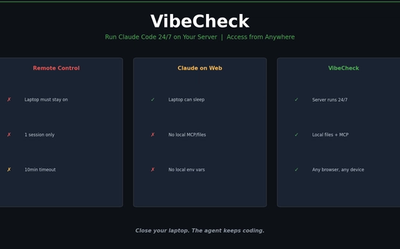
I Wanted Claude Code Running 24/7 on a Server — So I Built VibeCheck
Close your laptop, Claude Code dies. VibeCheck runs it headlessly on your server so you can access from any browser, anywhere. MIT open source.
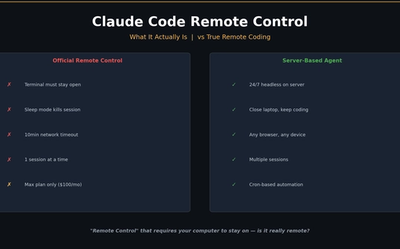
I Closed My Laptop. The Session Died. That's Not Remote.
Claude Code Remote Control sounds great until you close your laptop. Honest review of what it actually is, Anthropic's cloud alternative, and the third option I built.
Google Stitch MCP API: Generate UI Designs via AI Agents
Google Labs Stitch now supports MCP servers, allowing AI tools like Claude Code and Cursor to generate UI designs through API calls. Note: Some details in this article are from unofficial sources and may change.