I Have Claude Desktop. Why Did I Install NanoClaw?
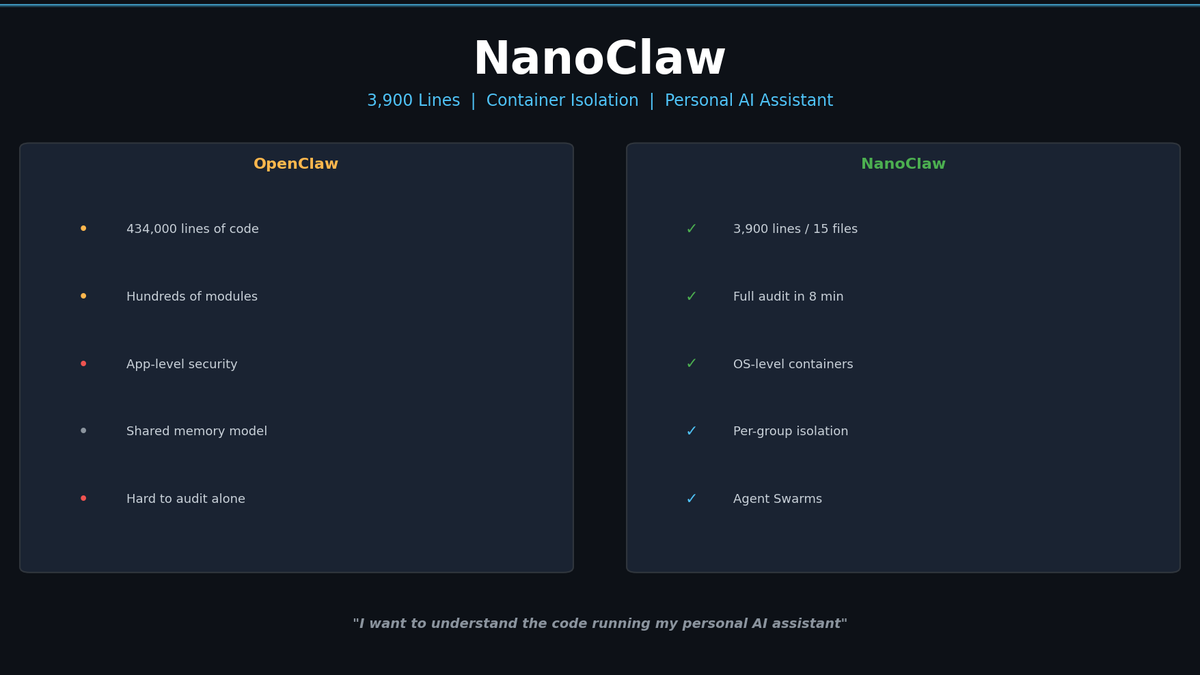
Claude Desktop is a solo app. If you want AI in your team chat, automated daily briefings, and a codebase you can actually read — NanoClaw.
I Have Claude Desktop. Why Did I Install NanoClaw?
Claude Desktop was working fine. Ask a question, get an answer. Attach a file, get analysis. But there was one thing I kept wanting.
"I want to drop an AI into my team's group chat."
Someone asks a question in Slack, AI answers. A news summary lands in my WhatsApp every morning. A weekly report shows up every Friday automatically. Claude Desktop is fundamentally a personal desktop app — it's not built for "chat platform bot + scheduled automation" use cases.
NanoClaw fills that gap. It currently has 17,000+ GitHub stars (as of 2026-03-02) and is designed to be "an agent deployed into chat platforms, not just a personal tool."
Related Posts
I Wanted Claude Code Running 24/7 on a Server — So I Built VibeCheck
Close your laptop, Claude Code dies. VibeCheck runs it headlessly on your server so you can access from any browser, anywhere. MIT open source.
I Closed My Laptop. The Session Died. That's Not Remote.
Claude Code Remote Control sounds great until you close your laptop. Honest review of what it actually is, Anthropic's cloud alternative, and the third option I built.
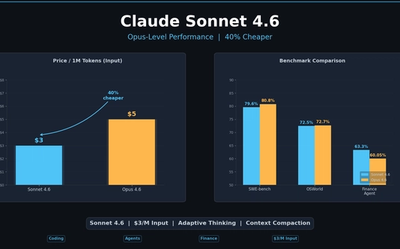
Claude Sonnet 4.6: Opus-Level Performance, 40% Cheaper — Benchmark Deep Dive
Claude Sonnet 4.6 scores 79.6% on SWE-bench, 72.5% on OSWorld, and 1633 Elo on GDPval-AA — matching or beating Opus 4.6 on production tasks. $3/$15 vs $5/$25 per M tokens. Analysis of Adaptive Thinking, Context Compaction, and OSWorld growth trajectory.