Stitch MCP Practical Guide — From Installation to UI Generation
Google Stitch MCP setup, platform configs, and practical usage. A more hands-on guide than the official docs.
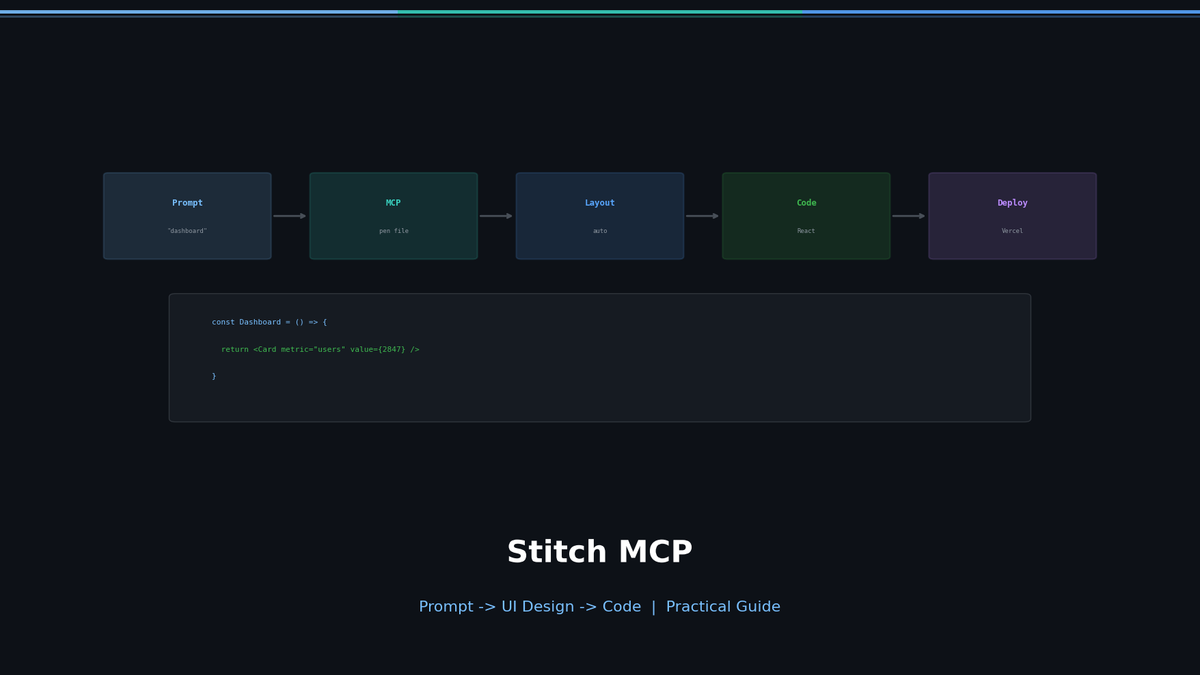
Stitch MCP Practical Guide — From Installation to UI Generation
Google Stitch generates UI designs and frontend code from text prompts. Stitch MCP connects it to AI coding agents (Claude Code, Cursor, Gemini CLI, etc.) as an MCP server.
The official docs list setup steps but skip the practical stuff. This guide covers installation through actual UI generation in one place.
What Stitch MCP Is
Stitch is an experimental tool from Google Labs. Powered by Gemini 2.5 Pro, it takes a prompt and generates UI design + HTML/CSS code.
Related Posts
I Wanted Claude Code Running 24/7 on a Server — So I Built VibeCheck
Close your laptop, Claude Code dies. VibeCheck runs it headlessly on your server so you can access from any browser, anywhere. MIT open source.
I Have Claude Desktop. Why Did I Install NanoClaw?
Claude Desktop is a solo app. If you want AI in your team chat, automated daily briefings, and a codebase you can actually read — NanoClaw.
I Closed My Laptop. The Session Died. That's Not Remote.
Claude Code Remote Control sounds great until you close your laptop. Honest review of what it actually is, Anthropic's cloud alternative, and the third option I built.